25 NotebookLM Pro Hacks for Research, Organization and Creative Projects

What if you could turn hours of tedious research, disorganized notes, and scattered ideas into a streamlined, productive workflow? Imagine having a tool that not only organizes your thoughts but also helps you uncover hidden insights, create polished content, and collaborate seamlessly—all in one place. Enter NotebookLM, a platform that’s quietly transforming how professionals, students, and creators approach their work. With its ability to centralize research, visualize data, and even generate creative outputs, NotebookLM is more than just a notebook; it’s a powerhouse for productivity. But here’s the catch: most users barely scratch the surface of its potential.
In this video by Professor-AI, you’ll uncover 25 fantastic hacks that will help you unlock NotebookLM’s hidden capabilities and take your workflow to the next level. From organizing complex research materials to automating repetitive tasks, these strategies are designed to save you time and amplify your results. Whether you’re looking to create compelling presentations, simplify data analysis, or personalize your workspace, this guide will show you how to make NotebookLM work harder for you. The possibilities are vast—so why settle for the basics when you can master the extraordinary?
Maximize Productivity with NotebookLM
TL;DR Key Takeaways :
- NotebookLM enhances research and productivity with features like document management, data analysis, and content creation tools.
- Key functionalities include organizing research materials, creating mind maps, generating flashcards, and producing structured outlines.
- Seamless integrations with tools like ChatGPT, Gamma, and Chrome extensions streamline workflows and improve efficiency.
- Customization options such as dark mode, preset buttons, and collaboration tools cater to individual and team needs.
- Advanced features like content rewriting and automation enable users to adapt outputs and save time on repetitive tasks.
Document Management: Organize and Centralize Your Research
Effective document management is essential for maintaining a productive workflow. NotebookLM provides a suite of tools to help you organize and centralize your research materials with ease:
- Upload and organize bulk sources: Consolidate PDFs, transcripts, and blog posts into a single, centralized location for quick and easy access.
- Cluster sources into themes: Group related materials to uncover patterns, connections, and overarching themes in your research.
- Use citation heatmaps: Highlight frequently referenced sections to identify the most critical information in your documents.
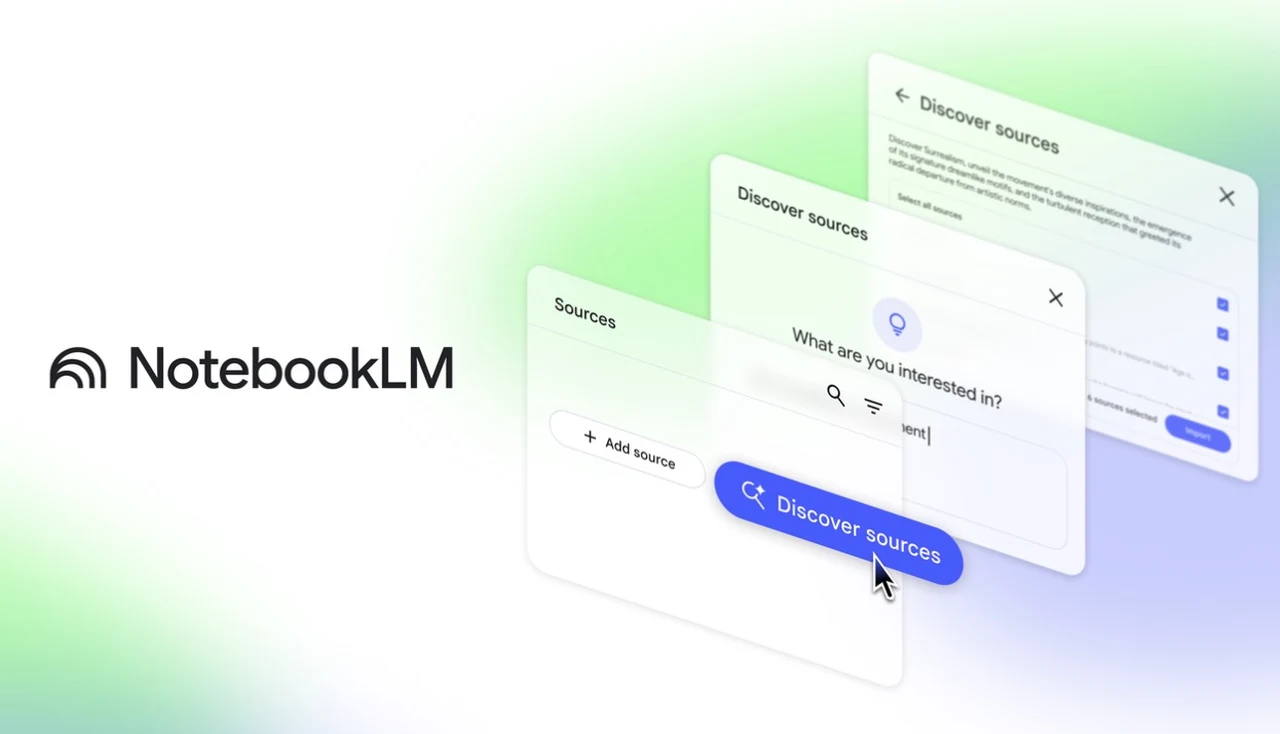
- Generate related materials: Use seed documents to discover additional resources, saving valuable time during targeted research.
By using these features, you can ensure your research materials are well-organized and readily accessible, allowing a seamless and efficient workflow.
Data Analysis and Visualization: Turn Data into Insights
NotebookLM excels at transforming raw data into actionable insights through its advanced data analysis and visualization tools. These features empower users to better understand and communicate complex information:
- Create mind maps: Visualize relationships between concepts to gain a clearer understanding of your research and its broader implications.
- Develop timelines: Track chronological developments to identify trends, patterns, and key milestones in your data.
- Extract key variables: Summarize large datasets by isolating critical findings, survey results, or other essential data points.
These tools not only simplify the process of analyzing data but also make it easier to present your findings in a compelling and digestible format.
25 NotebookLM Pro Tips
Here is a selection of other guides from our extensive library of content you may find of interest on NotebookLM.
- 12 NotebookLM Use Cases to Boost Productivity and Creativity
- Using NotebookLM and Gemini 2.5 AI to Validate Your Startup Idea
- 5 Practical Ways to Maximize NotebookLM for Productivity in 2025
- Gemini 2.5 Pro + NotebookLM: AI Tools for Productivity and
- Using NotebookLM & Perplexity for Faster, Smarter AI Research
- 6 Ways NotebookLM Will Change How You Learn and Work
- Unlock Hidden Insights with NotebookLM’s AI Power
- Why NotebookLM is the Ultimate Tool for Creatives in 2024
- NotebookLM Update: Create Interactive Podcasts Easily
- Google NotebookLM vs Google Bard with Gemini Pro
Content Creation: Simplify and Enhance Your Output
Producing high-quality content is a breeze with NotebookLM’s content creation tools. These features are particularly beneficial for educators, students, and professionals looking to streamline their workflows:
- Generate flashcards: Export study materials in CSV format to create efficient and effective learning aids.
- Create structured outlines: Develop organized frameworks for blogs, reports, presentations, or other content types.
- Produce audio overviews: Convert key points into audio summaries, allowing you to review information on the go.
These capabilities enable you to present your findings in various formats, making them accessible to diverse audiences and tailored to specific needs.
Tool Integrations: Expand Your Workflow
NotebookLM integrates seamlessly with other tools, enhancing your productivity and allowing a more cohesive workflow. Key integrations include:
- ChatGPT: Refine prompts, fact-check outputs, or generate creative ideas to enhance your projects.
- Gamma: Transform research findings into visually appealing and professional presentations.
- Chrome extension: Clip web content directly into your notebooks for streamlined research and organization.
These integrations allow you to work efficiently across platforms, reducing the need to switch between multiple tools and making sure a smoother workflow.
Customization and Sharing: Tailor Your Workspace
Personalizing your workspace can significantly improve your productivity. NotebookLM offers a range of customization and sharing options to suit your unique needs:
- Dark mode: Minimize eye strain during extended work sessions by switching to a darker interface.
- Preset buttons: Quickly generate outputs such as study guides, FAQs, or summaries with a single click.
- Collaboration tools: Share notebooks with colleagues or export content for presentations and team projects.
These features make NotebookLM a flexible and adaptable tool for both individual and collaborative work environments.
Advanced Features: Unlock Creative Possibilities
For users seeking advanced functionality, NotebookLM offers unique features that enhance creativity and expand its applications:
- Content rewriting: Adapt text into different styles, such as academic, professional, or creative tones, to suit your audience.
- Pro features: Access enhanced customization, collaboration, and storage options for managing complex or large-scale projects.
These advanced capabilities allow you to tailor the platform to your specific needs, whether you’re conducting in-depth research or engaging in creative writing.
Efficiency Tips: Work Smarter, Not Harder
To maximize your productivity, consider these practical tips for using NotebookLM effectively:
- Organize notebooks: Use clear and descriptive titles, categories, and tags to ensure easy navigation and retrieval of information.
- Combine tools: Pair NotebookLM with platforms like ChatGPT or Perplexity to gain deeper insights and improve fact-checking accuracy.
- Automate repetitive tasks: Save time by using NotebookLM’s automation features to generate study guides, FAQs, or summaries effortlessly.
These strategies enable you to focus on high-priority tasks while minimizing the time spent on routine activities.
Elevate Your Productivity with NotebookLM
NotebookLM is a comprehensive tool designed to transform how you approach research, data organization, and content creation. By using its features for document management, data analysis, content creation, and integrations, you can optimize your workflow and achieve superior results. Whether you’re managing large datasets, creating presentations, or collaborating with a team, these 25 hacks will empower you to unlock the full potential of NotebookLM and take your productivity to the next level.


